
AD – This is a sponsored post.
Do you ever look at your blog and wonder what it would look like with a new look? I know I do!
In fact, I’ve only just had a new logo and header designed for my lifestyle blog. So I definitely know the thrill of having something new and different and uniquely you to share and represent your blog.
However, changing your blog look doesn’t have to break the bank. From changing the settings on the theme you already own, to using free fronts to change up your logo can really make a huge difference.
Font Ideas.
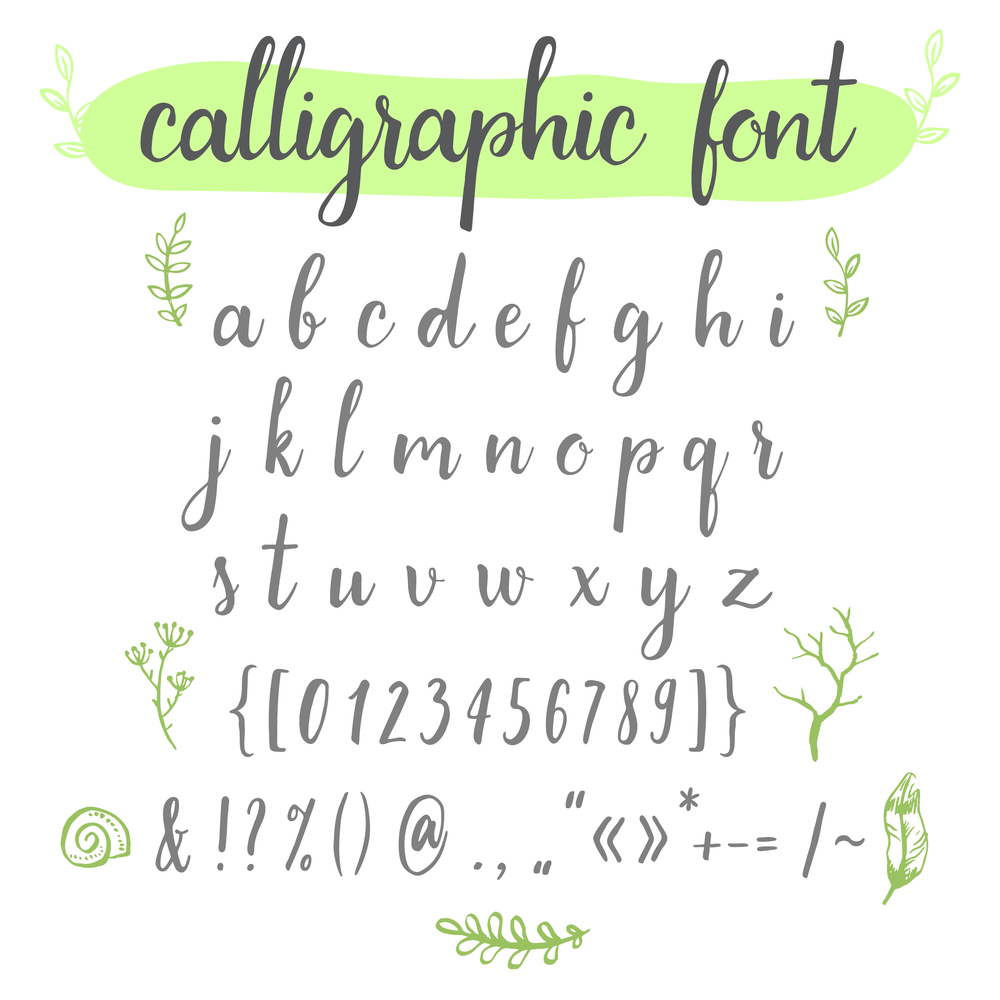
One of the great things is these days there are so many different fonts out there.
Just a quick google search or look on Pinterest, will have you come away with all sorts of ideas, on what might be the right look and style for you.
However, we all want to know we are getting our items from a legitimate source. That is where talking to other bloggers and sharing resources comes in handy.
Font Bundles.
If you are looking for a website which offers a huge host of fonts; then Font Bundles could be a website you would like to look around. Launched in 2016, they have over 1 million users and 150,000 market place products, which of course includes fonts along with other wonderful design item.
When it comes to fonts, not only do they have pocket-friendly packages to buy, but also have a huge range of fonts free.
What more could you want?
Well, this great website offers it all! Each front download comes with a small how-to guide. Plus they are compatible with many programmes we may use as a blogger; such as adobe, circuit and more.
As well as finding out if the font is workable with the software you use another must is to check with each font what sort of license it comes with.
Surprisingly perhaps, many in the free section actually offer access to the premium license. This means that anything created with it can be used for both personal and commercial use. Opening up the doors for those who also VA and create content for others, alongside running their own blog.
As such this is a really good alternative to Free Design Resources.
How to Design a Logo.
While of course, the font on our logo offers up a big part of the design there are other elements to be taken into account.
If you want the font to be the main part of your logo I would suggest picking a few different ones you like to start with. I personally have found from time to time that while I love a font, the way it looks when my blog name is written, just doesn’t work. So give yourself a few options to play with. You might just be surprised by which one really catches your eye once added to your design.
Once you have decided on the font, other elements to think of are colours and any imagery. Sometimes it is fun to ask your readers what they think of when they think of your blog. For my lifestyle blog, I always include a rainbow in my logo. This is something that early on was mentioned as being a bit of a “brand” for me.
Keep Using The Font.
Once you have your favourite font and your logo designed it can be quite nice to keep using it across your blog.
Using it in pins can help offer a consistent theme across your blog and be part of your branding.
Meaning people who see your pins and know your blog will automatically know it’s you. Which can help in getting people to click over and read, something we are all after.
Let’s be honest, if I (and I am sure many others) see something from someone I know and I think would be interesting, it does make me more likely to click through.
Have Fun.
Designing your blog logo, putting together a theme and working on branding is something you should enjoy.
Yes, the process can be stressful and it can take time. However, when you see it all come together and you are loving everything from your font choices to colours, that feeling of satisfaction is just something that can’t be beaten.
I really hope this helps with some quick, easy and cheap ideas to help you give yourself a new logo design.
If you do decide to give your blog an update I would love to see how it turns out.
Fancy checking out another post? Just click here!
Pin It!

